

Automate Google Sheets — connect spreadsheets to real business workflows
Sync data, auto-update reports, route leads and trigger actions across apps without code. Use viaSocket to turn Sheets into an operational engine that saves time and reduces errors.






Ready to use Google Sheets automations
Explore more automations built by businesses and experts


Triggers and Actions in Google Sheets Automations
viaSocket makes it simple to connect Google Sheets and automate repetitive tasks.
When this happensTriggers
A trigger is an event that starts a workflow.
New or Updated Spreadsheet Row
Runs when spreadsheet row is added or updated
New Spreadsheet
Runs when a new spreadsheet is created.
New Worksheet
Triggers when a new worksheet is created within the selected Spreadsheet.
Do thisActions
Action is the task that follows automatically within your Google Sheets integrations.
Update Spreadsheet Row
Update specific columns in a row of a Google Sheet.
List Sheet Rows
Retrieve rows from a Google Sheets tab as objects with row numbers; supports optional headers, offset/limit paging, and listing from the last row.
Delete Row
delete row from a specified sheet.
Add Row To Sheet
Add row with provided values
Lookup Spreadsheet Rows
Find rows in a Google Sheet that match a column value or an advanced filter.
Copy Subsheet
Creates a new sheet by copying an existing sheet from a spreadsheet.
How to get started with Google Sheets automations
Automate when something happens in Google Sheets
Login -> Create new flow -> Select trigger -> Search Google Sheets -> Choose the trigger from the list
Take action in Google Sheets when something happens in an app or you want to add step in flow
Login -> Create new flow -> Select action -> Search Google Sheets -> Choose the action from the list
Trigger
Action
Real-world use cases of Google Sheets integrations
See how Google Sheets integrates with popular apps to automate tasks and streamline your workflow.
- Integrate google-sheets with Salesforce to sync records, ensuring that customer data is consistently updated across your CRM and google-sheets databases.
- Integrate google-sheets with MySQL to automatically sync records, facilitating seamless data exchange between google-sheets and your SQL databases.




Step by step guides to integrate Google Sheets
Know More About Google Sheets Integrations
Accounting Automation Guide
Master accounting automation with this guide with examples. Explore top tools, steps, and tips to save time, reduce errors, and streamline finances in 2025.
Simple Ways to Automate Google Sheets
nlock the potential of Google Sheets with easy automation techniques. Explore our guide for practical tips to simplify your data management tasks.
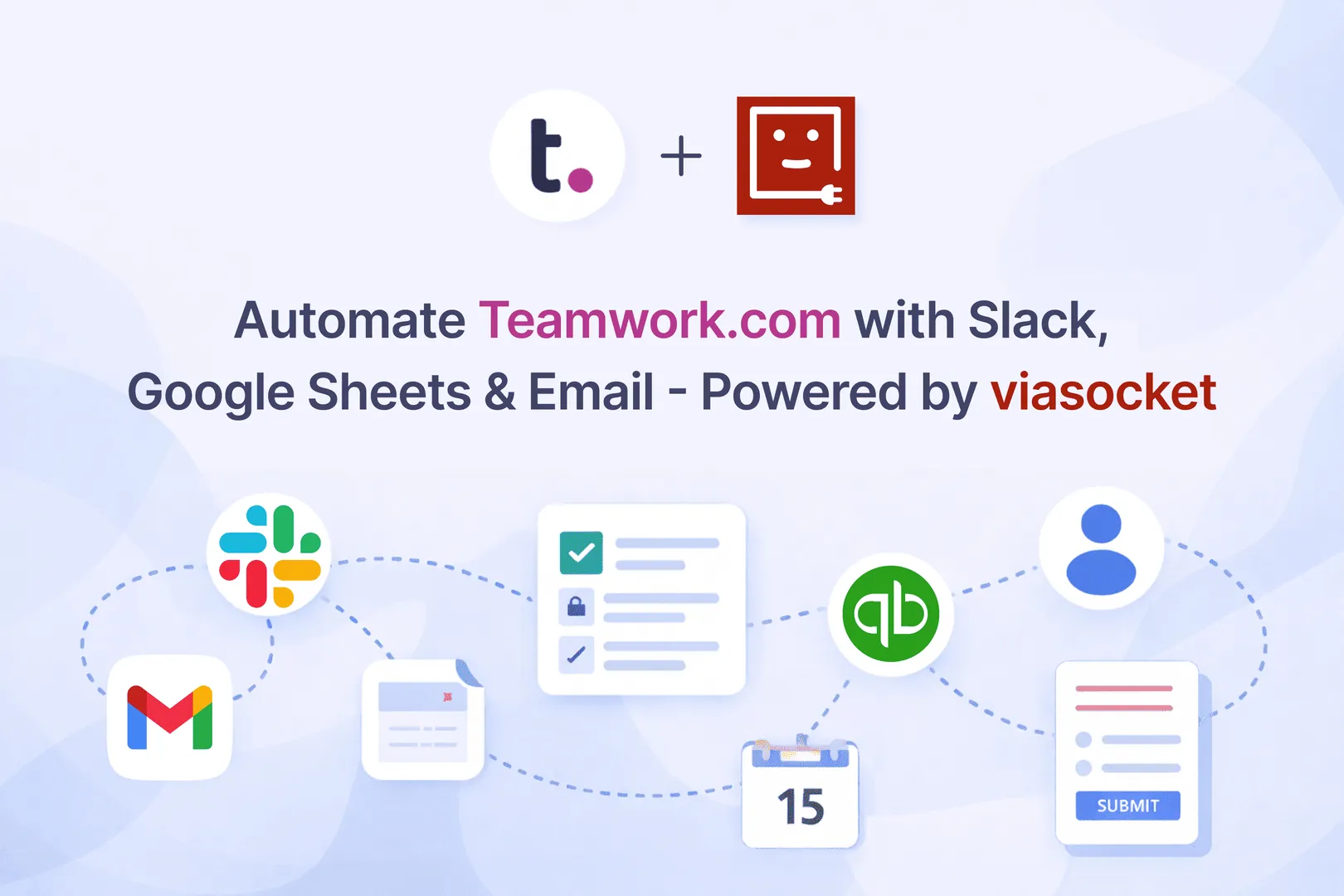
Automate Teamwork.com with Slack, Google Sheets & Email -Powered by viaSocket
Automate Teamwork.com with viaSocket: real-time Slack alerts, auto-task creation from forms, live data in Google Sheets, client updates, and automated billing.

How viaSocket Works | A Complete Guide
Gain insights into how viaSocket functions through our detailed guide. Understand its key features and benefits to maximize your experience and efficiency.
Frequently Asked Questions
Connect securely using your Google account, then pick triggers (new row, updated row, schedule) and actions (add row, update cell, export). No coding required — map fields visually and run a quick test before go-live.
Yes. Set a trigger for new spreadsheet rows, map the form fields to CRM fields, and add follow-up actions (assign owner, send email, create task). The sheet stays the single source of truth for tracking status.
viaSocket can run AI-enabled steps that summarize rows, classify leads, extract entities (like product names or complaints), and generate suggested responses — then write results back to your sheet and notify your team.
Yes. Automations write to specified cells or ranges and respect existing formulas and formatting when configured correctly. We recommend testing on a copy until you’re confident with the mapping.
Triggers like new rows can run in near real-time; scheduled workflows run on the cadence you choose (hourly, daily, etc.). Workflows include retry and error-handling options so automations stay reliable in production.
About Google Sheets
Google Sheets is a cloud-based spreadsheet tool that lets users create, edit, and organize data online. It supports real-time collaboration, allowing multiple users to work on the same file simultaneously. It also includes tools for data analysis, charts, and easy sharing.
Learn More
About viaSocket
viaSocket is an AI-powered, workflow automation platform that helps people and businesses connect apps and automate repetitive tasks. With thousands of integrations, anyone can build workflows to move data, cut manual work, and save time. Whether for simple tasks or large-scale processes, viaSocket makes automation easy and helps teams focus on what matters most.
Learn MoreviaSocket
For SaaS
For AI Agent Builders
Support
Automation Experts


Plans, Pricing and Offer
AI & Automation
© 2026 viaSocket |Privacy,TermsandData Retention & Deletion Policy
Walkover Web Solutions Pvt Ltd. | All rights reserved.